Blender add-on · UVs
Texel Kit Pro
Even texture detail across every asset, and UVs that won't break in the engine. See density as a heatmap, fix it in one click, and make any mesh game ready.
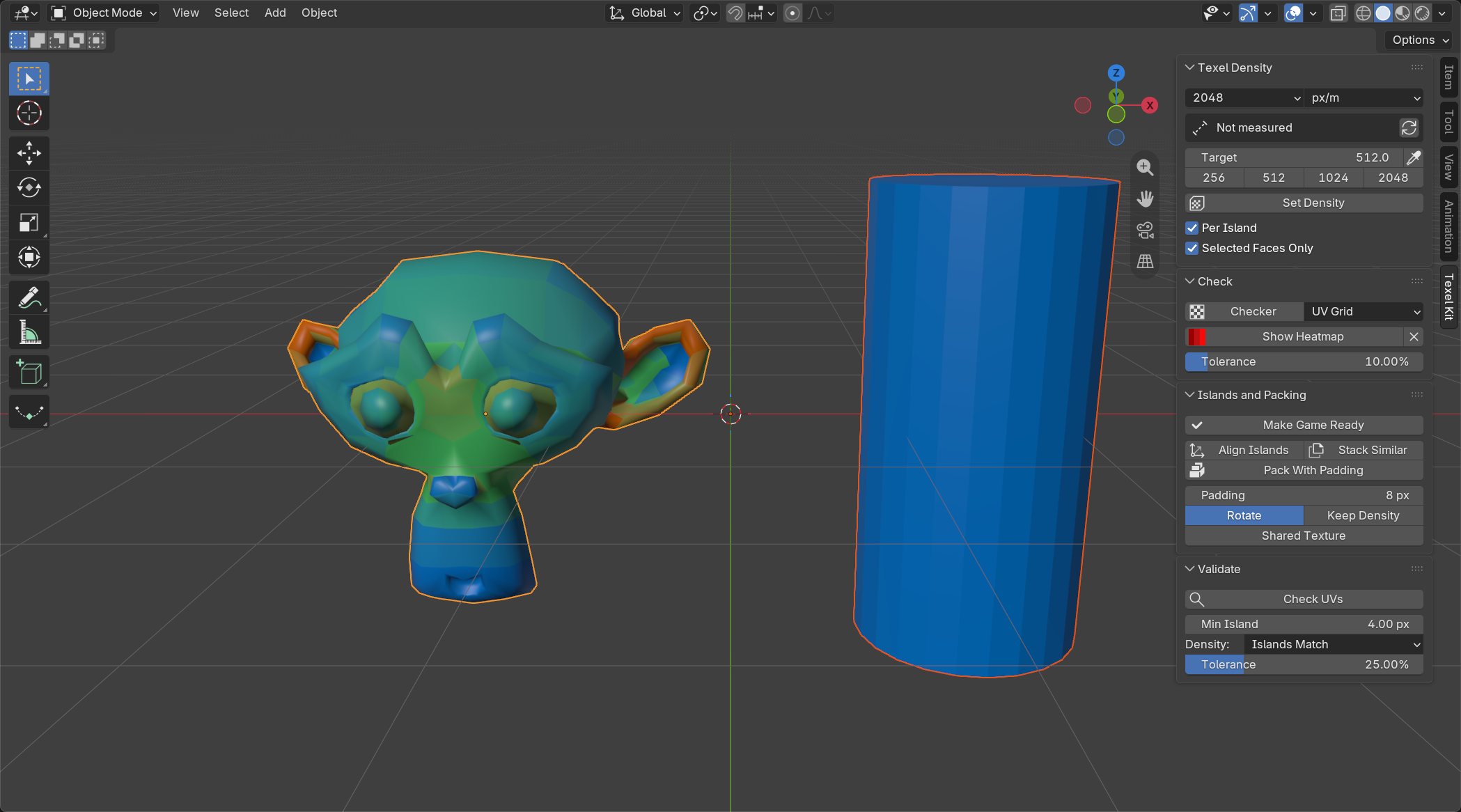
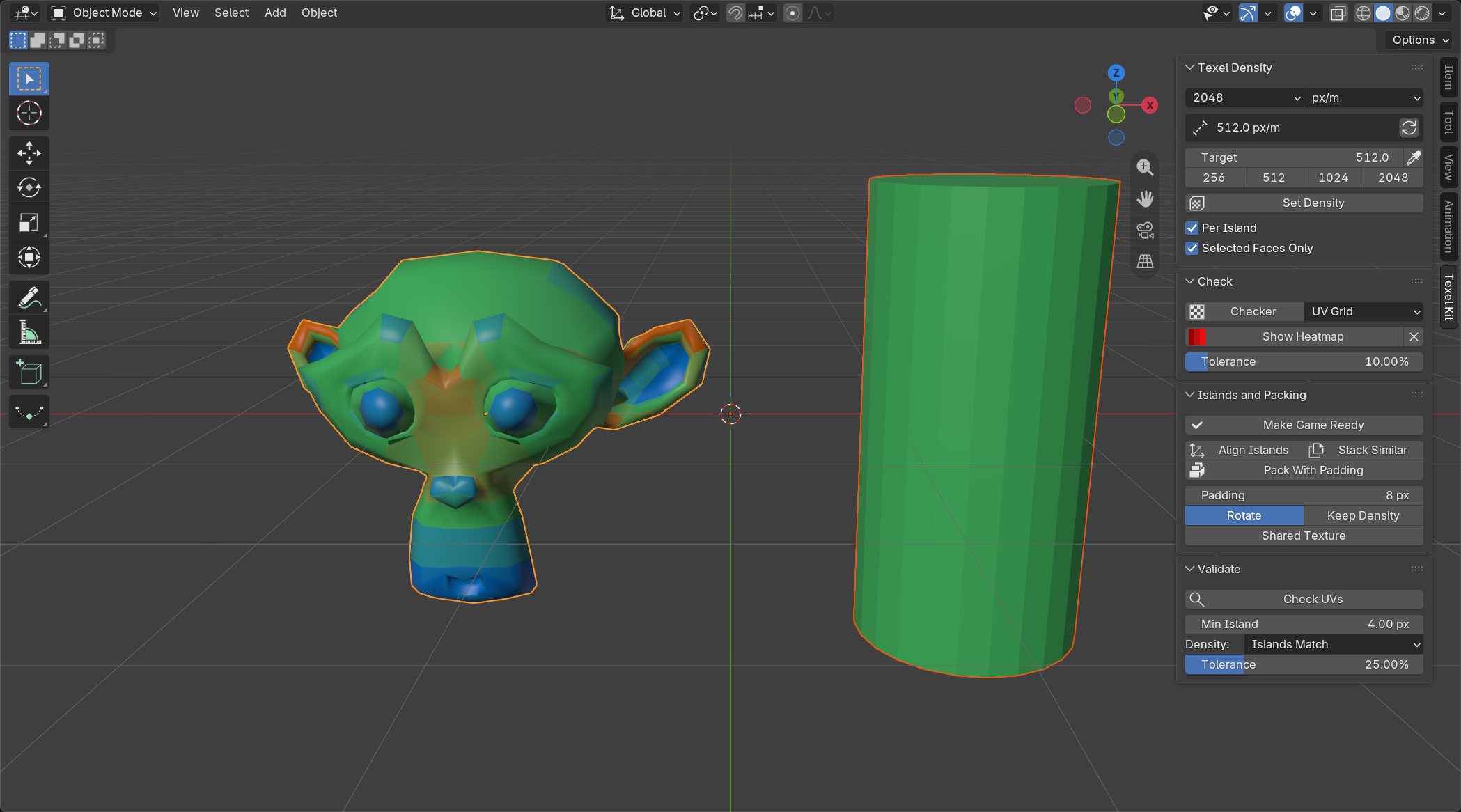 BeforeAfter
One click game ready
Select your meshes and press Make Game Ready. Texel Kit unwraps anything without UVs, evens out island scale, straightens every island, packs with real pixel padding, then checks the result and lists anything still wrong.
It's safe on scans and other messy meshes too. If thousands of tiny islands can't fit with your padding, Texel Kit puts the UVs back exactly as they were and tells you why.
Texel density, done properly
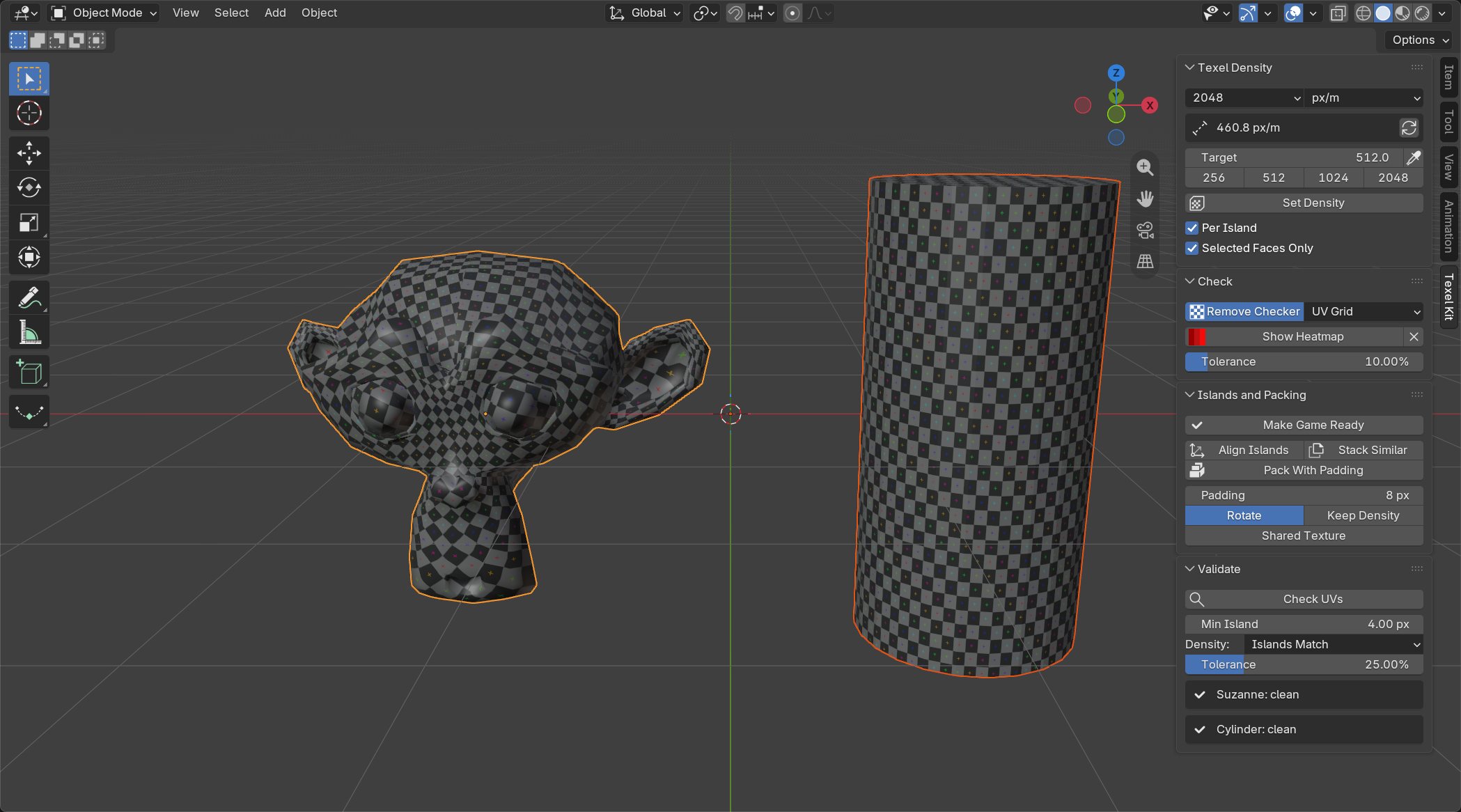
- Measure density per object or per selected faces.
- Set a target and apply it to every object or every island.
- px/m, px/cm, px/in and px/ft, and centimeter scenes read correctly.
- Copy density from one asset to the rest with the eyedropper.
- Heatmap: green on target, blue too low, red too high.
UV checks with one click fixes
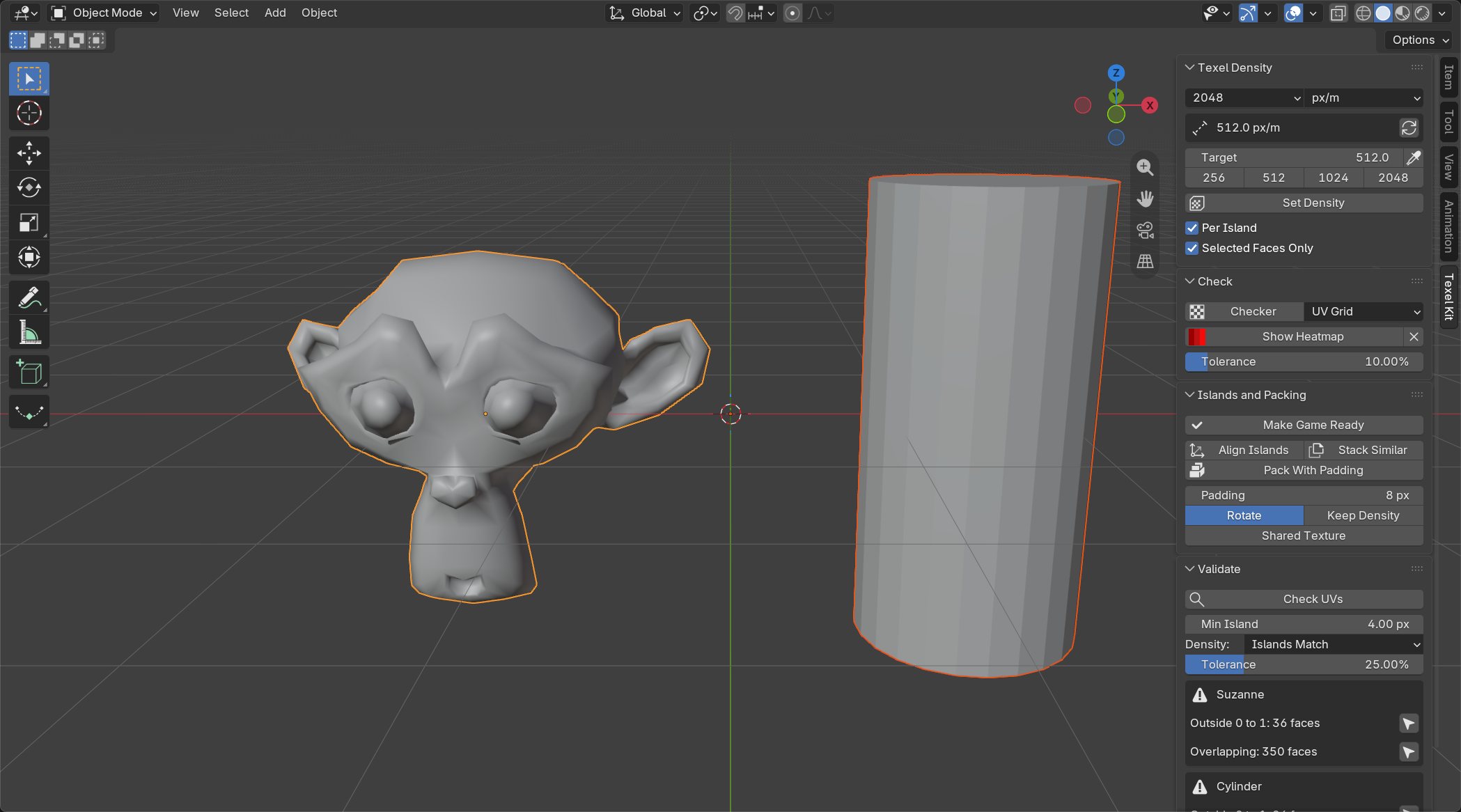
Finds overlapping islands, flipped faces, UVs outside 0 to 1, squashed faces, tiny islands, islands packed too tight for mipmaps, and islands off density. Each problem has a button that selects the faces so you can fix them.
Island tools
- Align Islands straightens every island to the axes.
- Stack Similar stacks repeated parts to share texture space.
- Pack With Padding pads in pixels at your texture size, and can keep density instead of filling the texture.
Questions
Do I need the free Texel Kit too?
No. Pro includes everything in it. Disable the free one before enabling Pro.
Will it change my materials?
No. The checker swaps them out and puts them back, and the heatmap uses a viewport color mode.
Does it work on many objects at once?
Yes, everything works on the whole selection, with full undo.
Personal or Studio?
Same add-on. Personal is for one person, freelancers included. Studio is for a company where up to 10 people use it.