Make It Broken MS-103
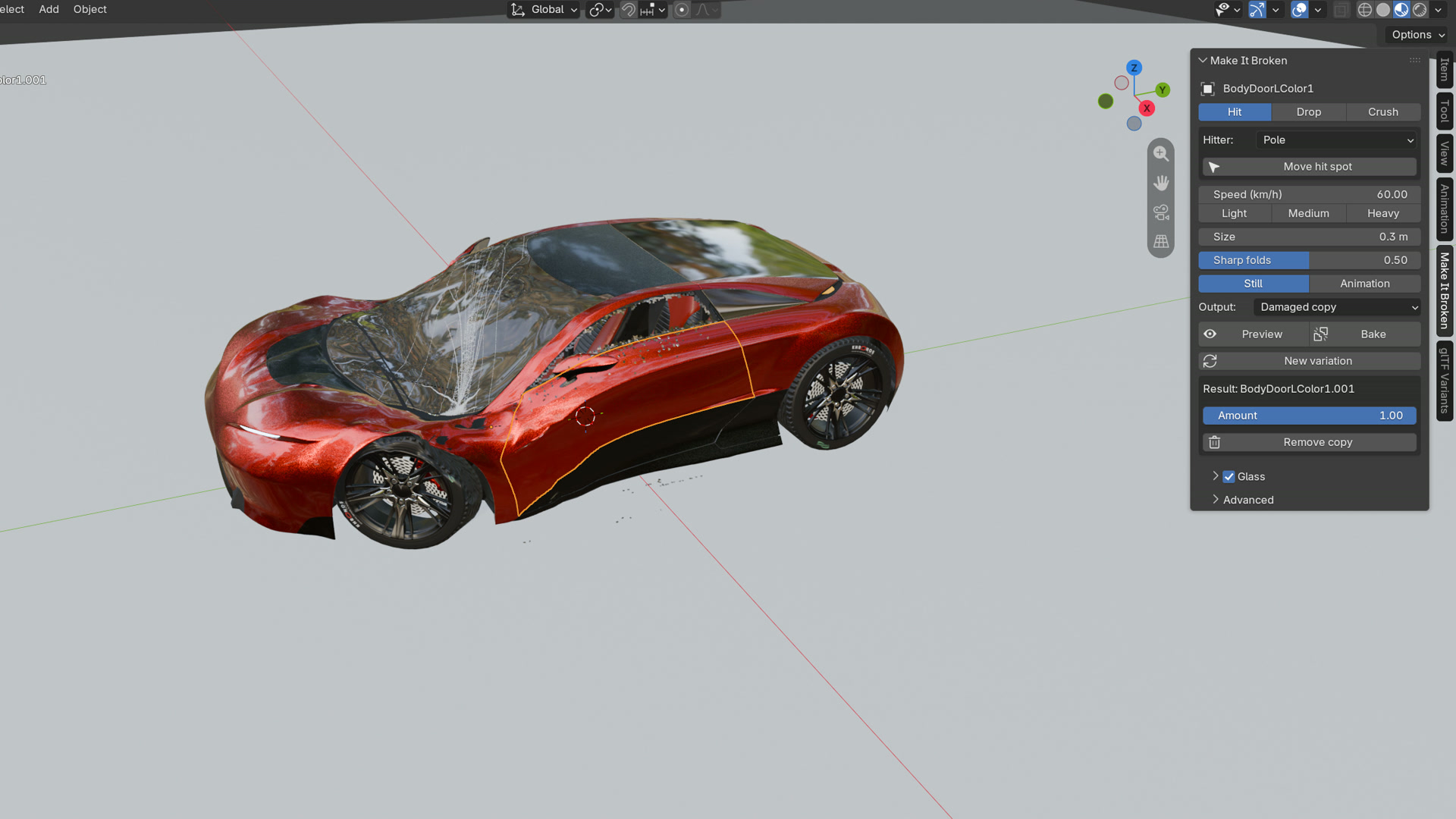
Hit it, drop it or crush it. You get a dented, bent copy that looks like something really happened to it, and your original stays as it was.
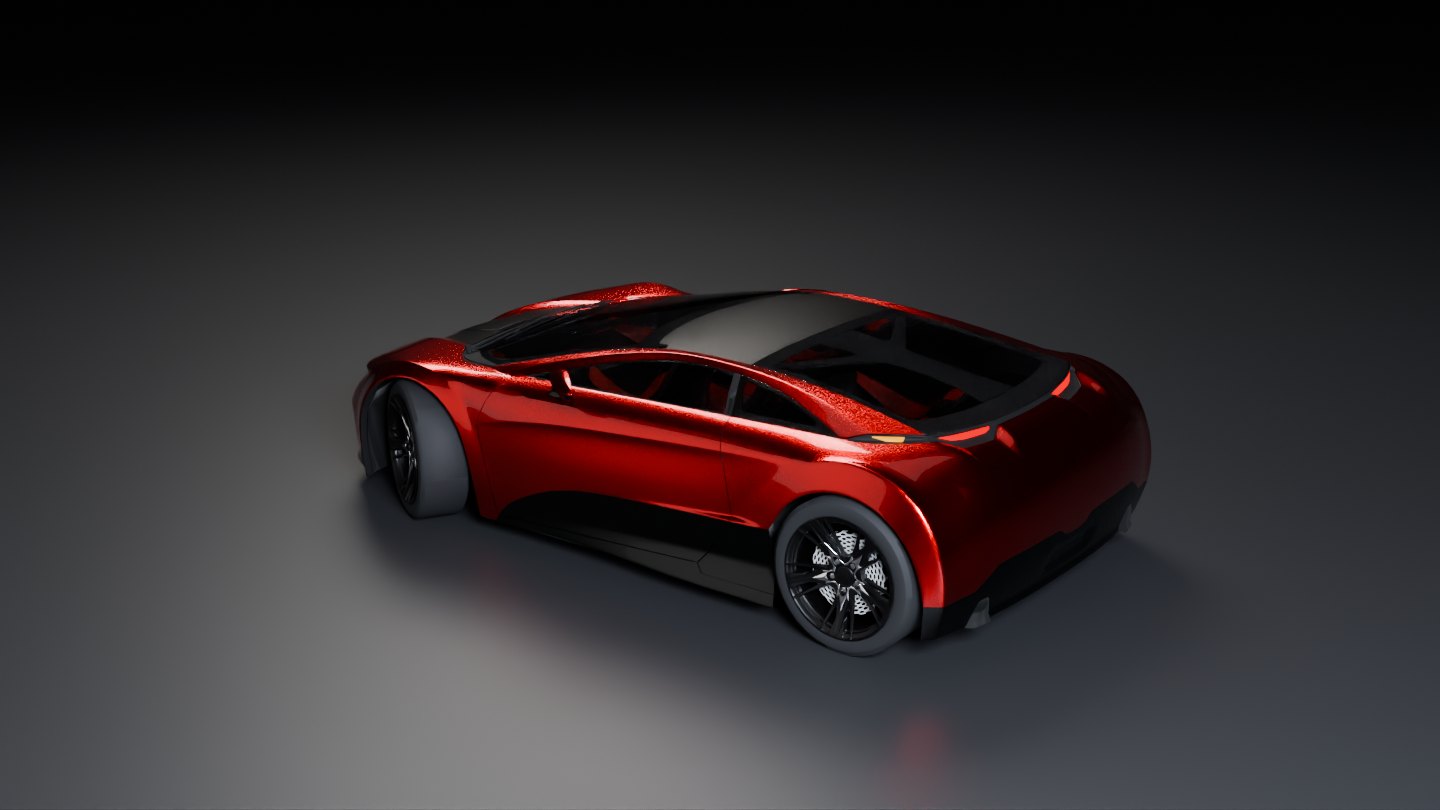
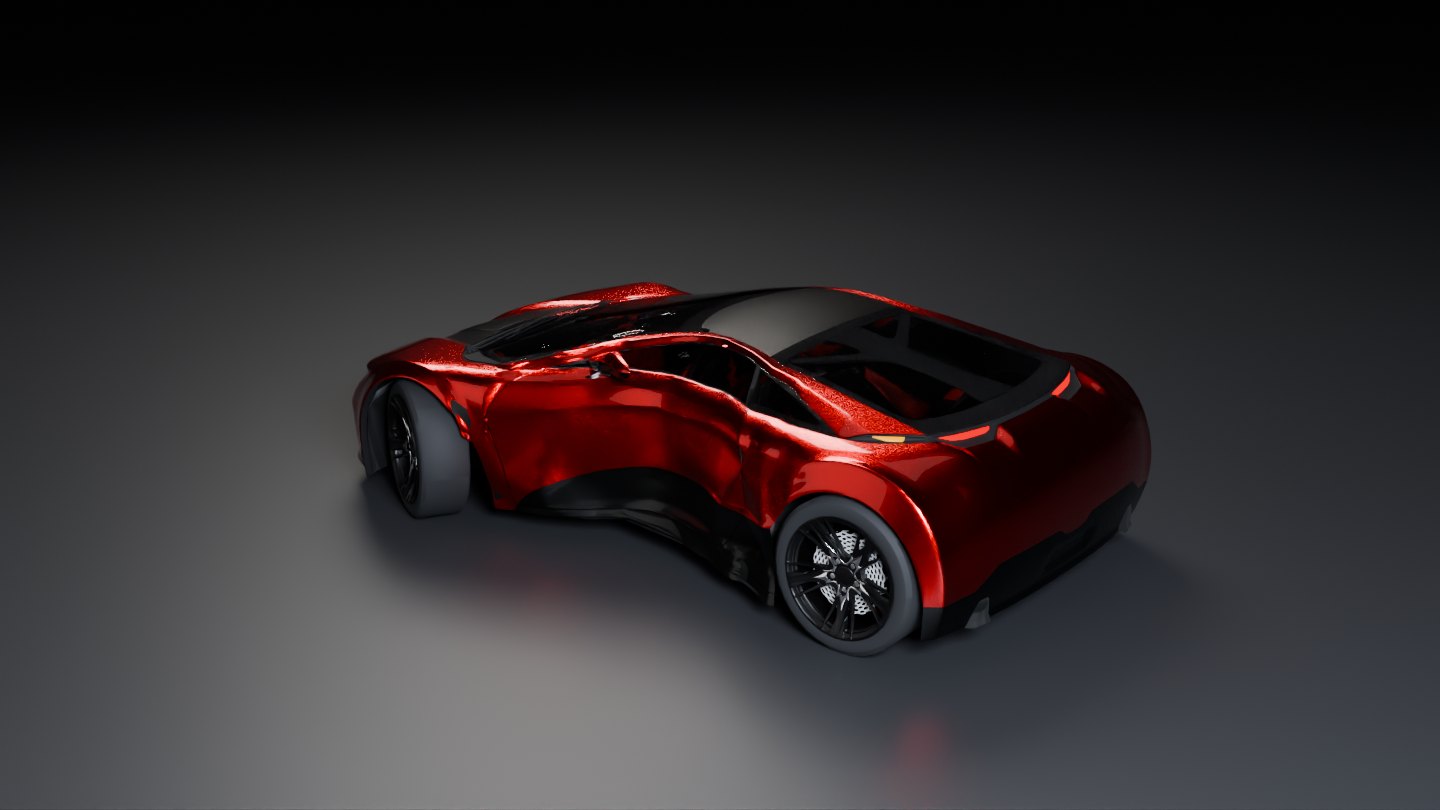 BeforeAfter
How it works
- Select the model.
- Pick Hit, Drop or Crush.
- Place it.
- Hit: click the spot and pick the hitter: pole, wall, bumper, ball or one of your own objects.
- Drop: set the height and what it lands on: bottom, side, top, nose or a tilt.
- Crush: a press comes down from above.
- Set Speed in km/h, or press Light, Medium or Heavy. Then set the hitter Size and Sharp folds.
- Preview for a quick look, Bake for the real thing. New variation gives a different crumple from the same hit.
- Drag Amount to dial the damage between none and all of it.
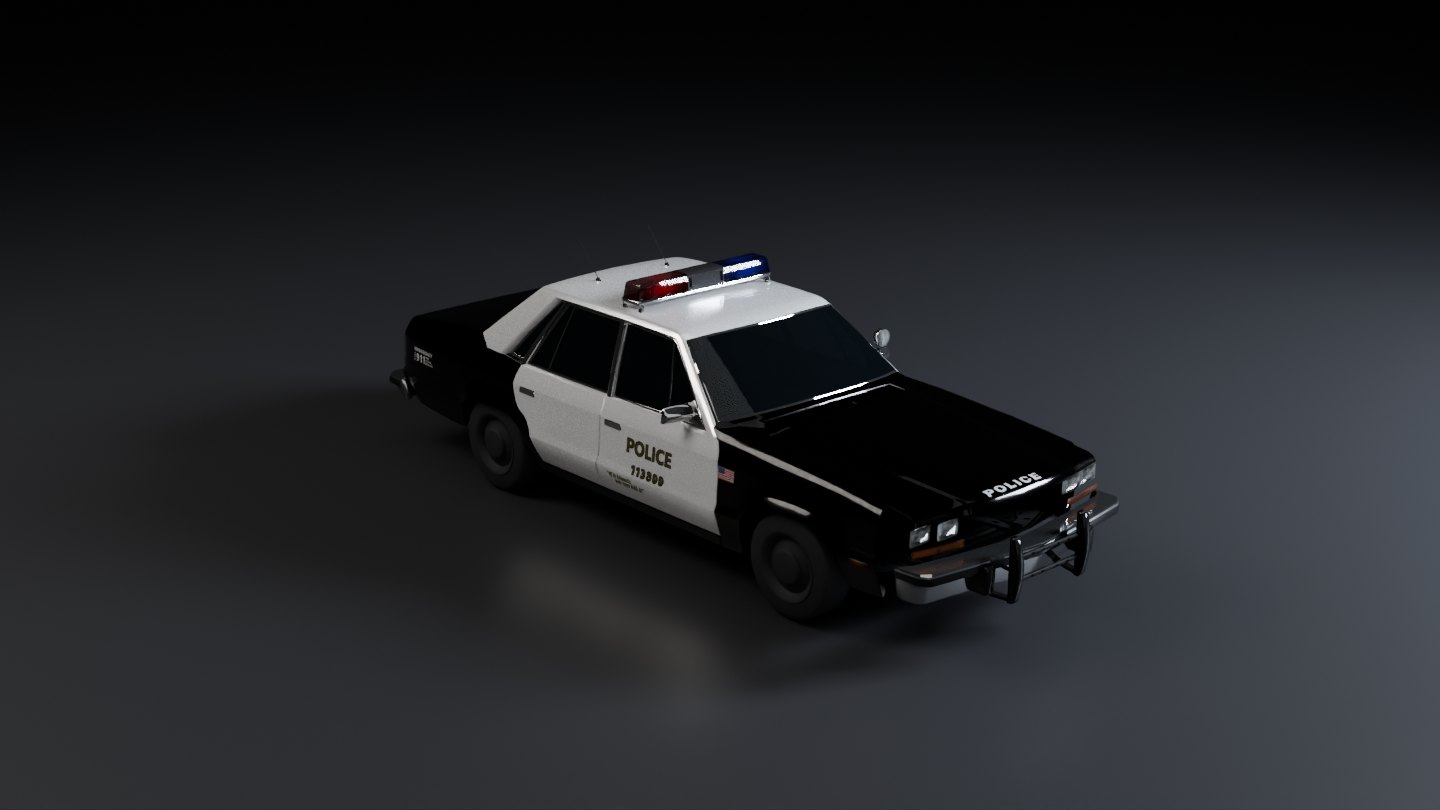
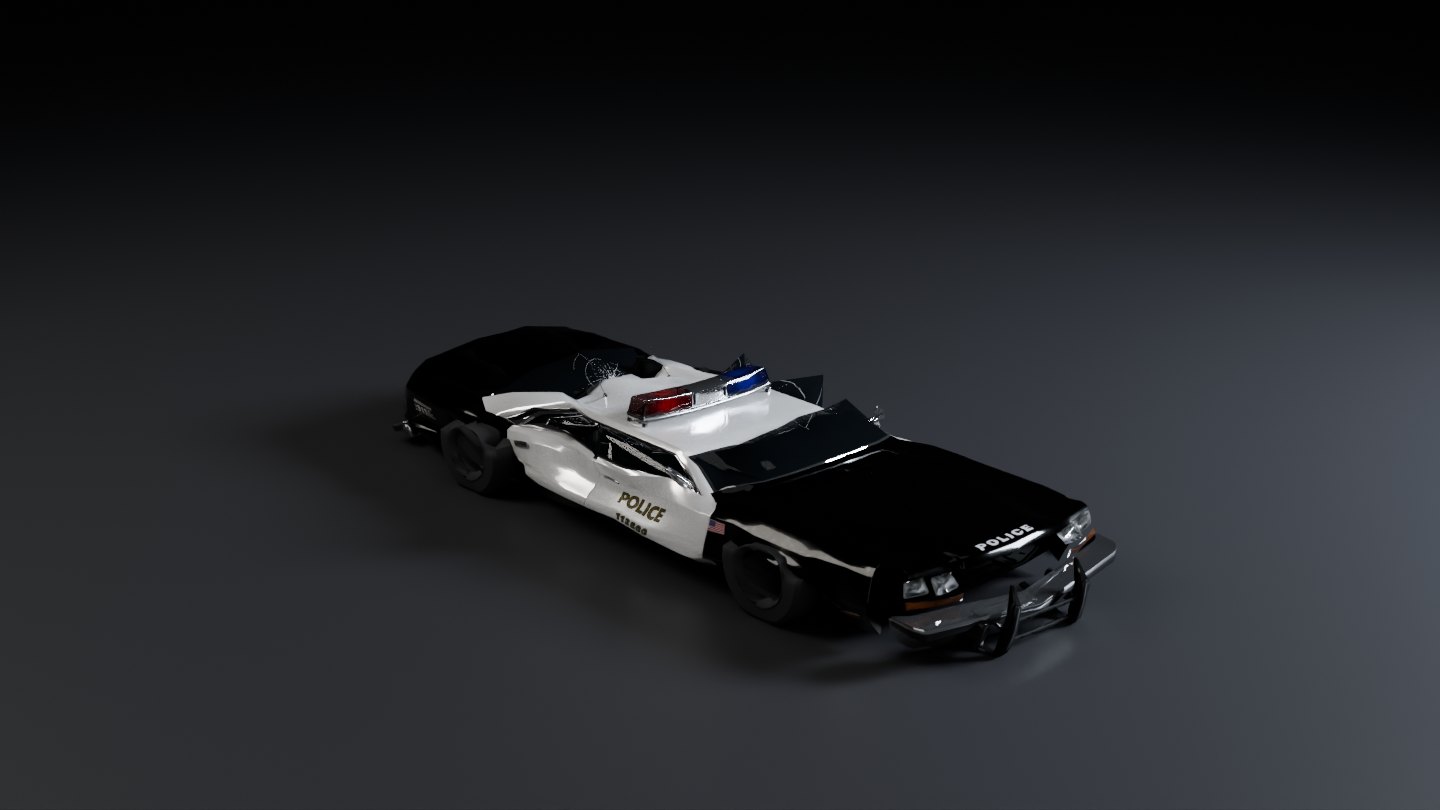 BeforeAfter
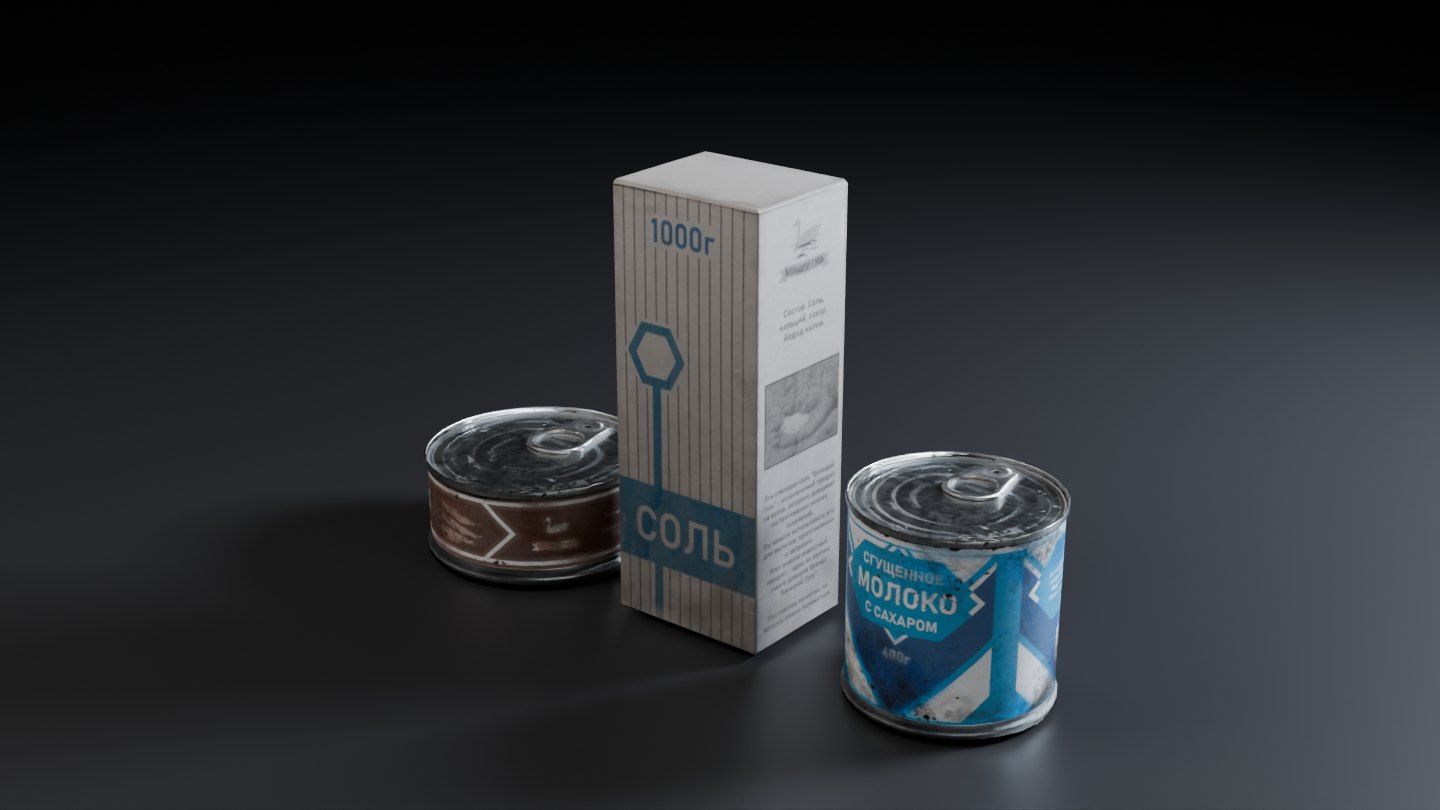
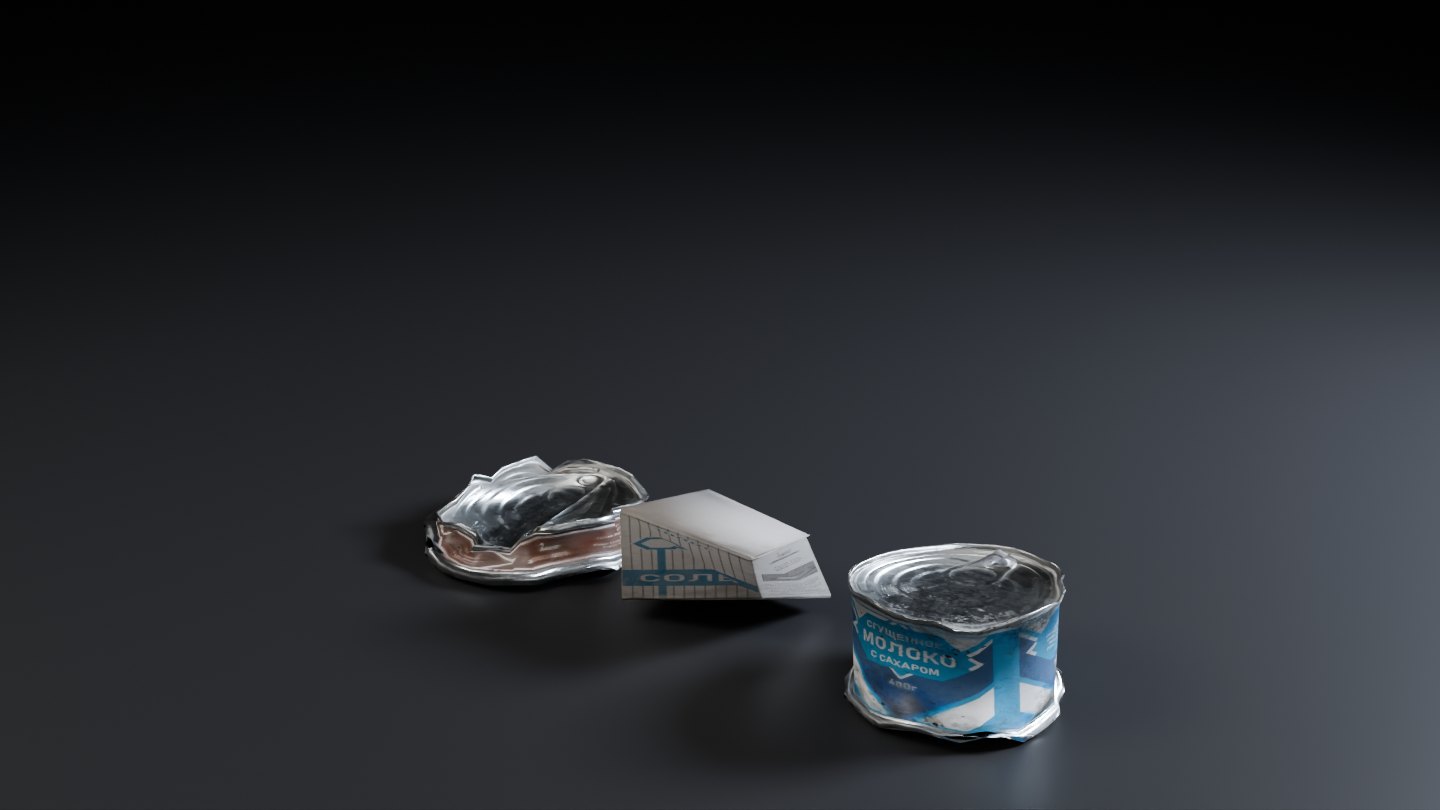
Thin metal dents and folds
It reads what each part is made of and treats it that way. Cans and thin panels crumple and fold, posts bend over a short length and keep their round section.
 BeforeAfter
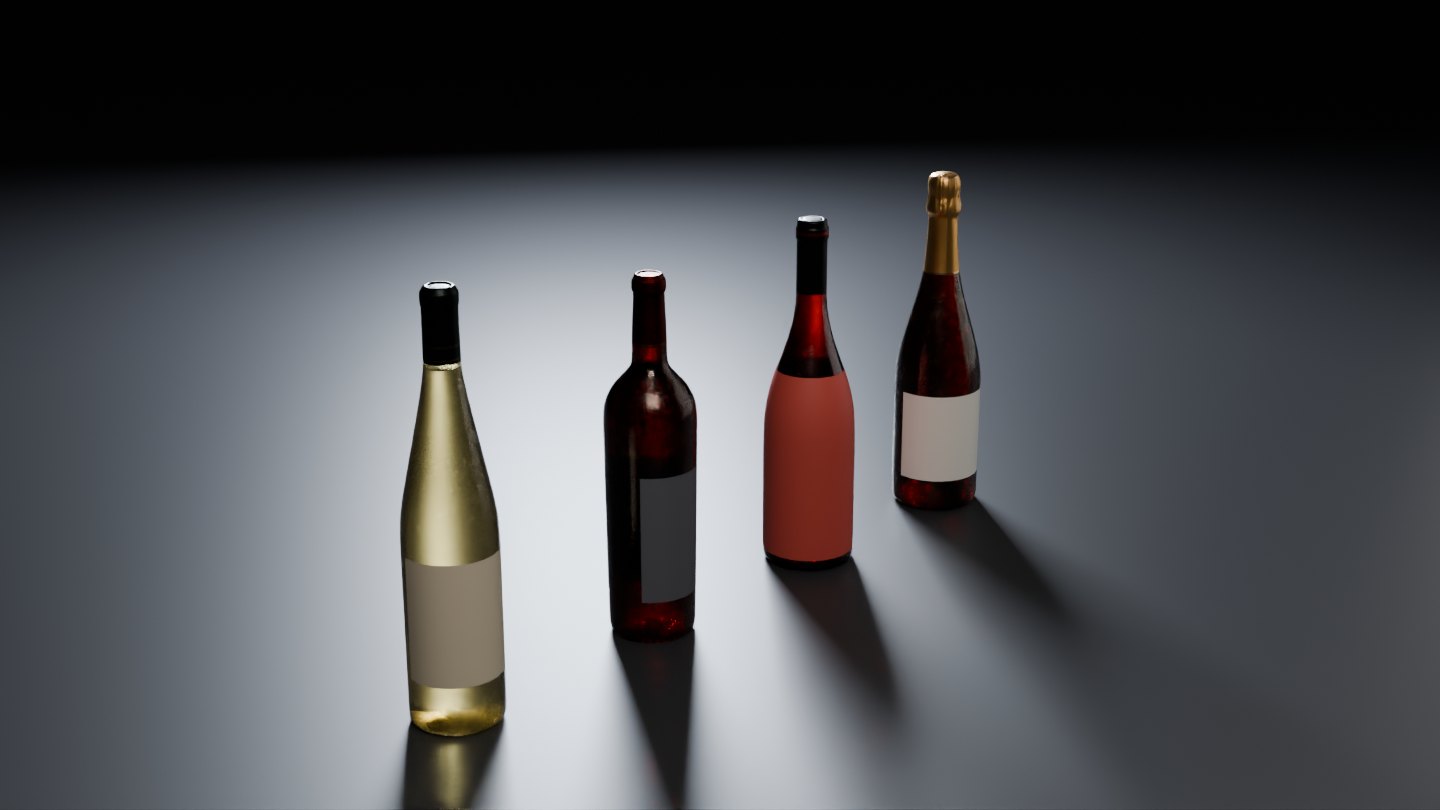
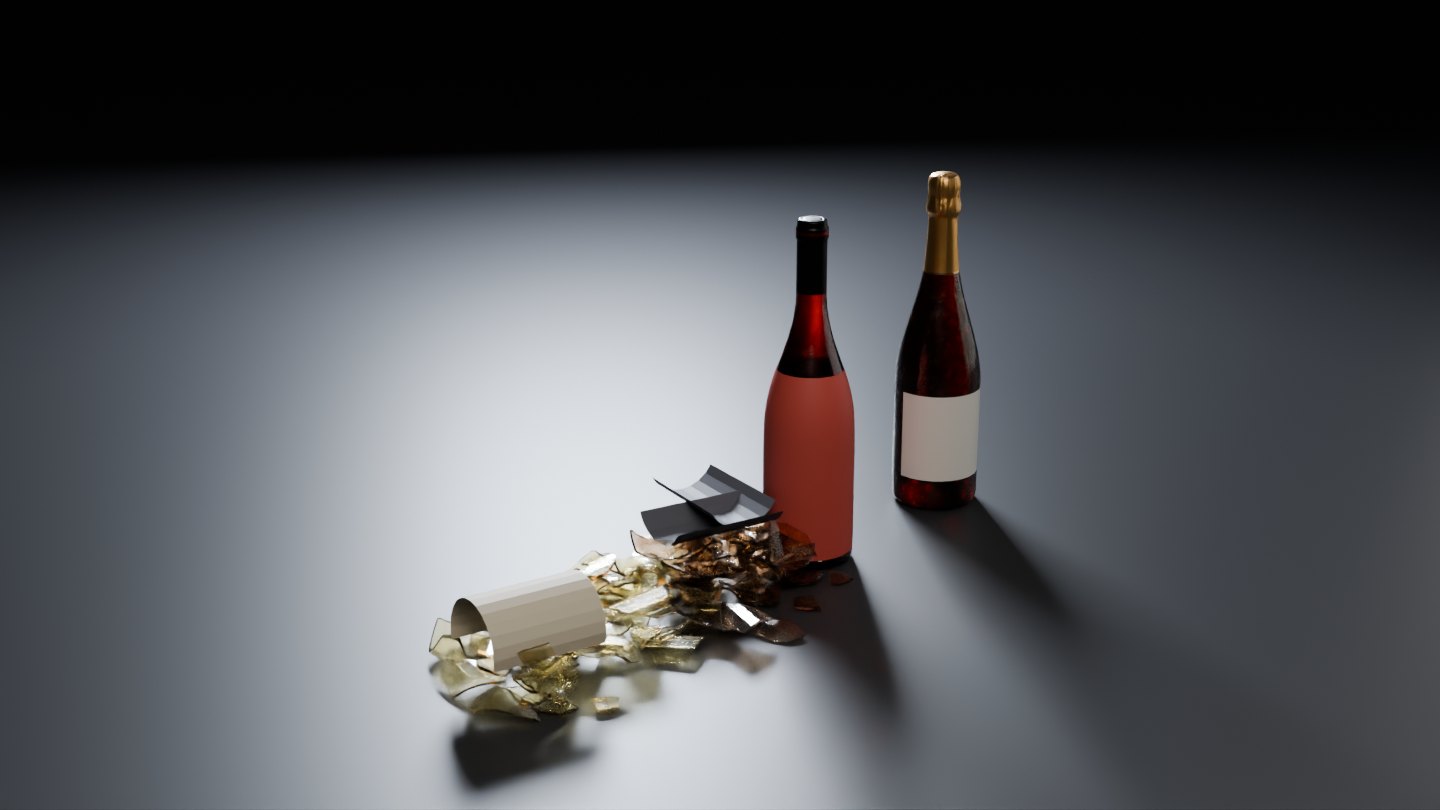
Glass
Break glass is on from the start, and after a Preview the Glass section lists the glass it found. Laminated glass cracks in a web and stays in place. Tempered glass breaks into small pieces and can leave a rim in the frame. A plain pane breaks into big shards. Or pick Cracks only for a cracked material with no new geometry.
 BeforeAfter
Still or animated
Still is the default: one damaged copy for renders and game props. Animation puts the crash on the timeline. Output can be a damaged copy, a shape key, or Freeze for a plain mesh with no modifier.
Questions
Does it change my model?
No. It bakes onto a copy. Remove copy deletes it and you're back where you started.
Does it work on downloaded assets?
Yes. Textures, UVs and materials come along with the copy.
Can I use the result in a game engine?
Yes. Freeze gives you a plain mesh with no modifier. Export it like anything else.
Can I animate the crash?
Yes. Switch to Animation and the hit plays on the timeline. Freeze current frame keeps any moment as its own mesh.
Does it break things into pieces?
Glass breaks into pieces and wood can split apart. Metal bends, dents and folds.
Can I hit the same model twice?
One hit per bake. A new bake replaces the last result, so pick the hit you want and use New variation to try others.
Personal or Studio?
Same add-on, same features. Personal is for one person, freelancers included. Studio is for a company where up to 10 people use it.
How do I install it?
Download the zip from your account. In Blender go to Edit > Preferences > Get Extensions, open the arrow menu at the top right, choose Install from Disk and pick the zip. Press N in the 3D View and open the Make It Broken tab.