Make It Alive MS-105
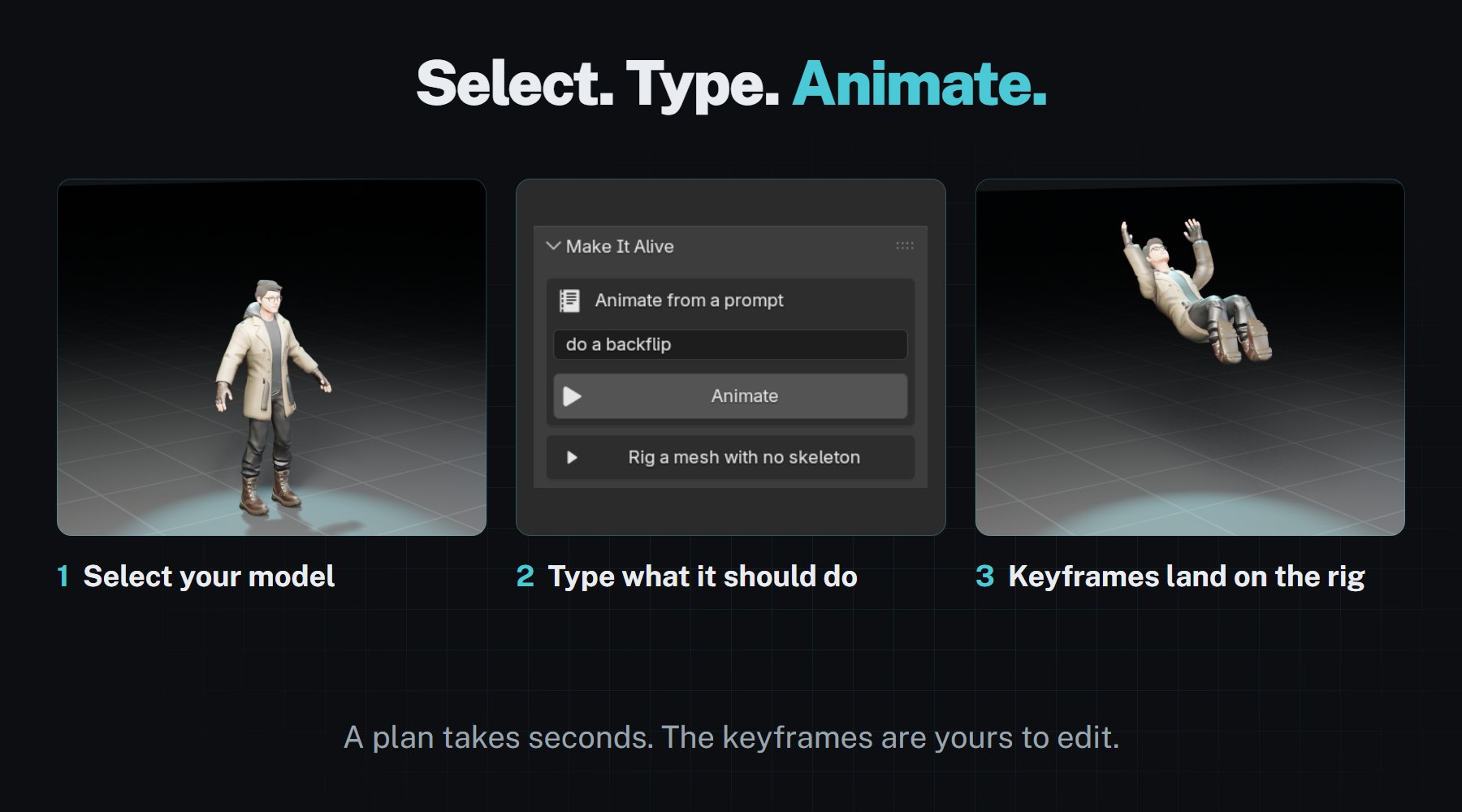
Select a model. Type what it should do: a backflip, a gallop, a wheelie, a drift. Press Animate and plain keyframes land on the rig. A small model on your own PC plans the motion, so nothing leaves your machine.
How it works
- Select a model.
- Type what it should do.
- Press Animate. Keyframes land on the rig.
Characters
Backflips and dances. Any humanoid rig.
Creatures
Four legs, wings, tails. It reads the skeleton and works out which bones are legs.
Vehicles
No rig needed. It finds the wheels and rotors from the mesh, spins them at the right speed, steers and leans.
Physics
Crashes, falls and tumbles run a real rigid body sim, then bake it to keyframes. Nothing is left in your scene.
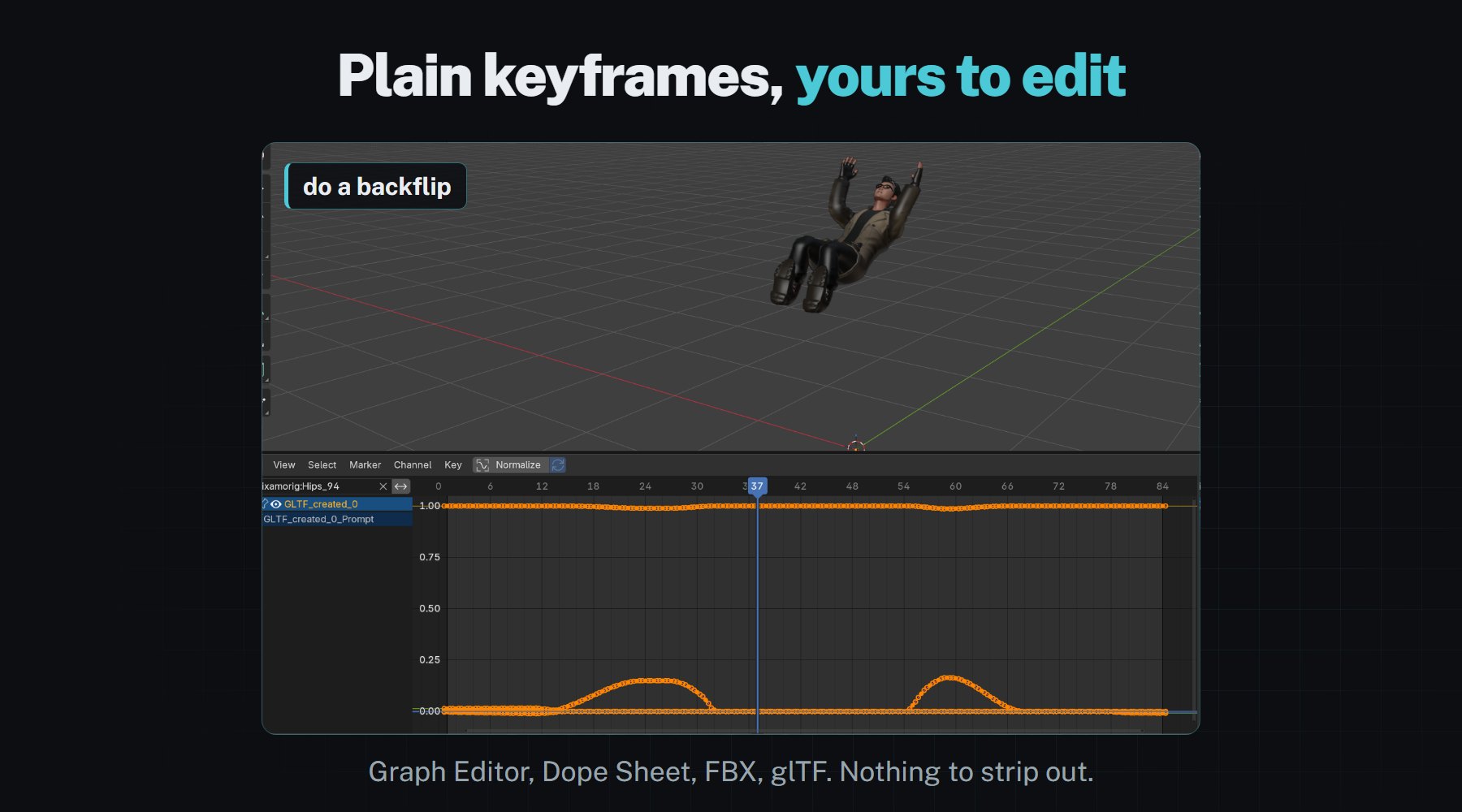
Plain keyframes
Runs on your PC
What you need
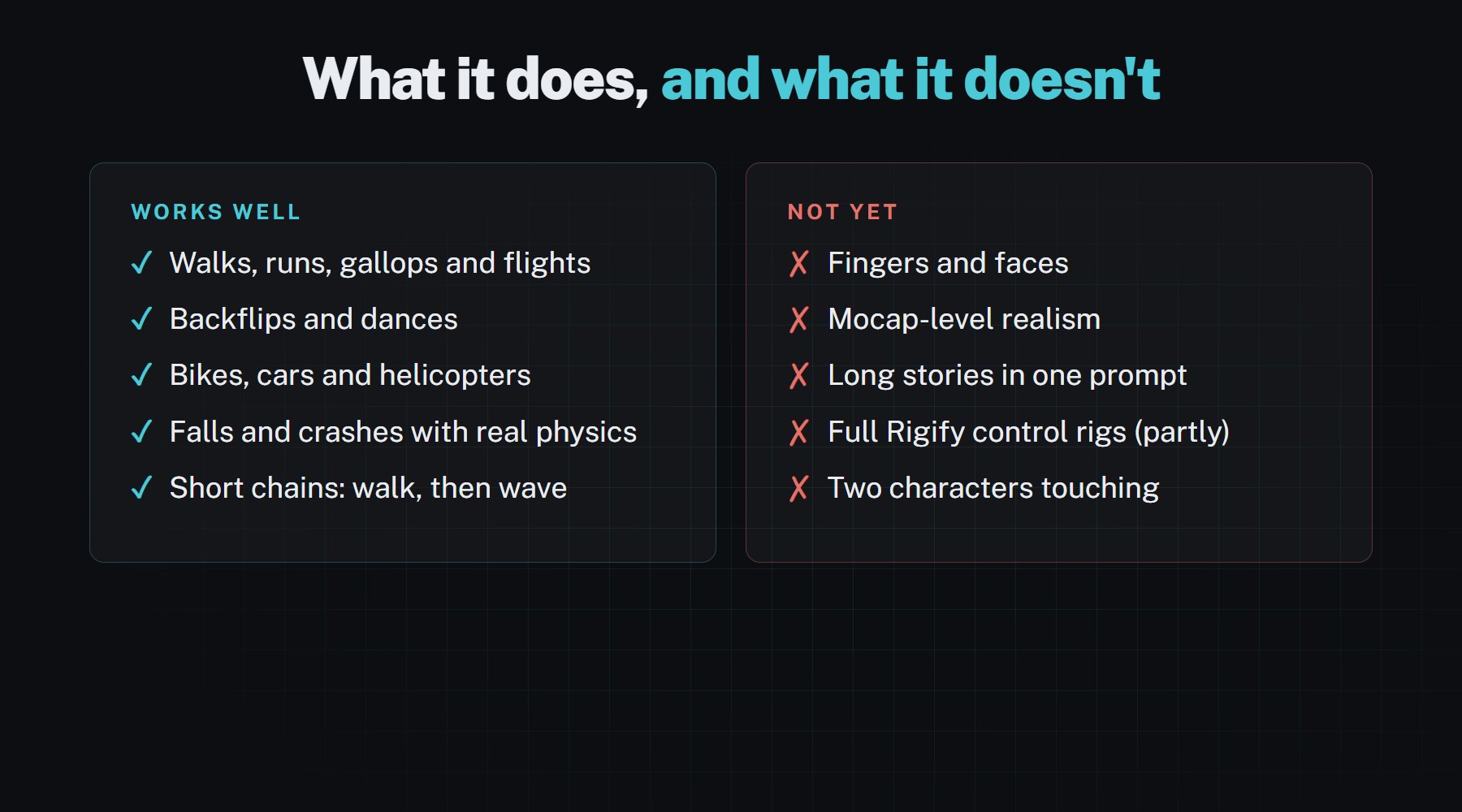
What it does and doesn’t
Questions
Does anything leave my PC?
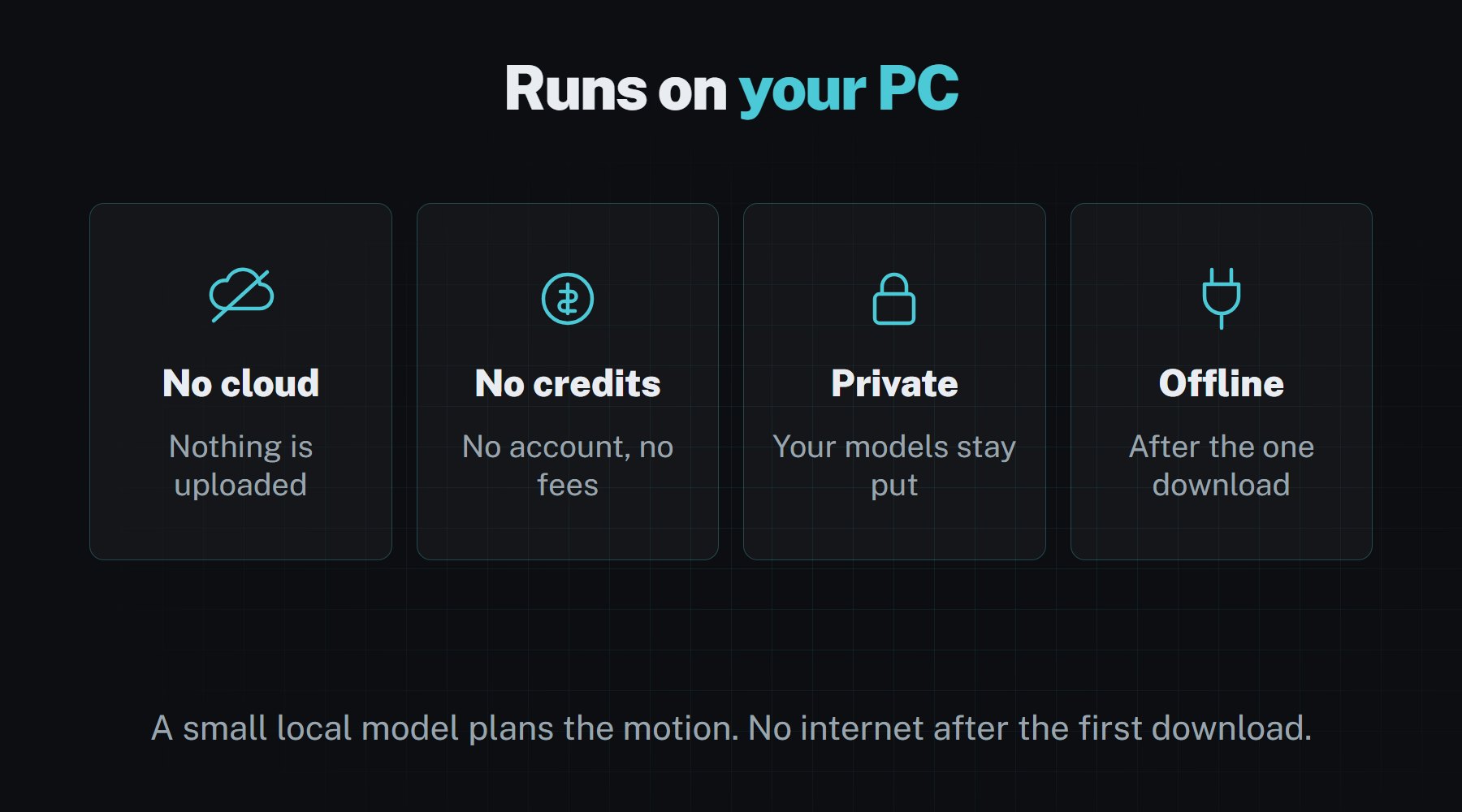
No. A small language model runs on your own machine through llama.cpp and plans the motion. No account, no credits, no cloud. After the first download it works offline.
Do I need an NVIDIA card?
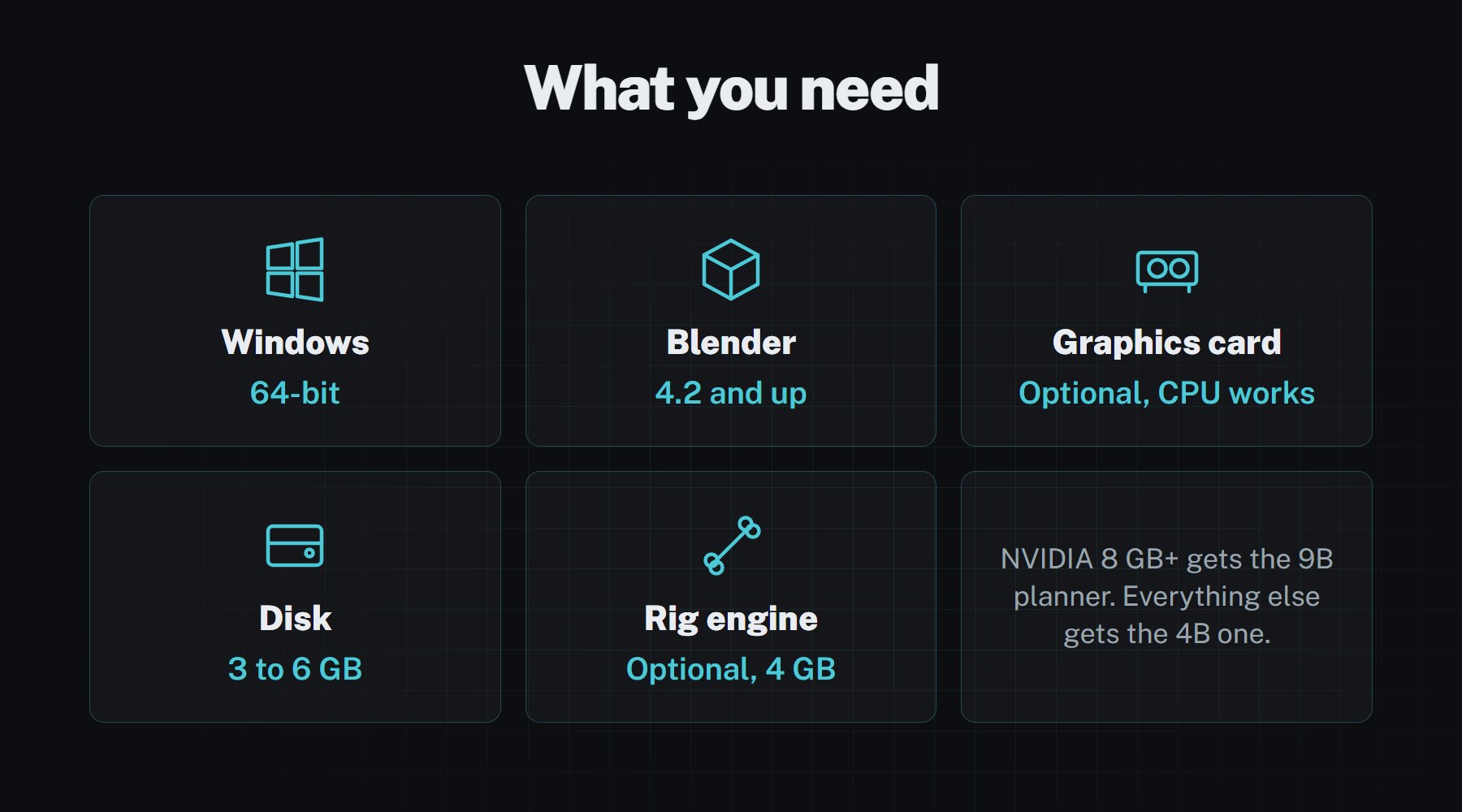
No. NVIDIA cards with 8 GB or more get Qwen3.5 9B (5.6 GB). Everything else, including PCs with no NVIDIA card, gets Qwen3.5 4B (2.7 GB) and runs on the CPU. Slower, but it works.
How long does one prompt take?
Seconds on a graphics card, longer on the CPU. The engine downloads once on first use.
Does my character need a rig?
Rigged models work as they are: Mixamo, game rigs, most Sketchfab rigs. A mesh with no skeleton can get one with the optional rig engine (a separate 4 GB download), which builds and skins a skeleton with one button.
What kinds of prompts work?
Short ones. One move or a short chain: do a backflip, gallop in a circle, pop a wheelie, walk forward then wave, drive forward fast and crash. Split a long story into a few prompts. Each prompt adds to what's already there.
Can I edit the result?
Yes. You get plain keyframes, the same as if you'd keyed them by hand. Tweak them in the Graph Editor, layer more prompts, or export FBX or glTF.
What doesn't it do?
Fingers, faces and lip sync. Mocap-level realism. Two characters interacting. Full Rigify control rigs are only partly supported.
macOS or Linux?
Not yet. Windows only for now.
Whose models are in the demos?
All CC BY 4.0 from Sketchfab, animated with Make It Alive and otherwise unchanged. Cool Man by ardhanaputra, Biped robot by Willy Decarpentrie, Stylized Wolf by ESO, Horse by henrysteve973, Animated Dragon Three Motion Loops by LasquetiSpice, Cafe Racer by Milin Andrei, Phoenix 455 '71 by Daniel Zhabotinsky, Attack helicopter concept by Conor O'Kane.
How do I install it?
Download the zip from your account. In Blender go to Edit > Preferences > Get Extensions, open the arrow menu at the top right, choose Install from Disk and pick the zip. Press N in the 3D View and open the Make It Alive tab.